Did you know we have eight streams running on our Discord now whenever global markets are open? It gets better, too, as you can watch as many of them at once as you want! I recorded this brief primer on how to take advantage of what Discord calls multistreaming.
What the video covers
The speaker gives a short walkthrough of Discord's multistreaming feature, which lets members watch several market streams at once. To start, go to the voice and video section, join the trading voice room, and the eight streams appear at the top of the screen. Click a stream such as crude oil to bring it up, click again to minimize it, then click the "I" plus sign on each stream to tune into all eight. To clean up the view, click the three horizontal dots in the top right and uncheck "show non-video participants" and "show new message previews." You can then pop the screen out so it sits in its own window, letting you keep chatting, reading trade ideas, and watching news alerts while the streams stay visible.
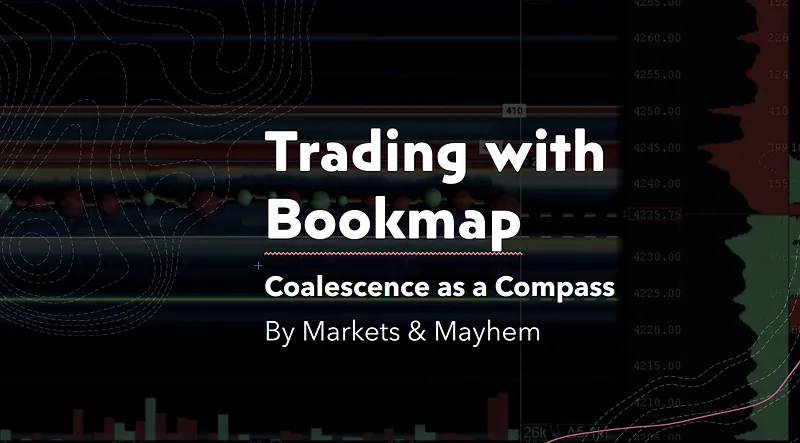
Inside the streams, clicking a name shows that feed, and moving your mouse away displays it full screen; click again to switch. The speaker points to specific feeds: ES and NASDAQ pivots generated from volume profile and updated through the day, a 21-period EMA line on the five-minute chart, gold futures, NVIDIA, an S&P 500 stream with an SPX options visualizer, bookmap streams with exhaustion and absorption indicators, and a Benzinga Pro signal stream flagging unusual call and put activity plus five-minute strength, with live audio from 6 AM to 6 PM Eastern. Popping the stream window out lets you trade and chat at once, though that setup assumes you have multiple screens; otherwise you tab back and forth.
Three things to remember
- Join the trading voice room, click the "I" plus sign on each of the eight streams, and uncheck non-video participants and message previews to see all feeds at once.
- Popping the stream window into its own separate screen lets you chat and read trade ideas while watching, but without multiple monitors you must tab back and forth.
- The Benzinga Pro signal stream highlights unusual call and put activity and stocks showing five-minute strength, sometimes producing good day trades.
Next up I'll create some additional content about getting the most out of each stream. If you have any questions or feedback, let us know!